 Porchgeist
Halloween scares with a light show on your porch
Porchgeist is a soundboard for the front door. Every scare plays with its own light show on your Philips Hue lights: lightning on the thunder cracks, red on the scream, the lights walking to the door with the footsteps. Tap a sound, or let the motion sensor start one when someone comes up the path.
For iPhone and iPad. Free to try, with one purchase for everything.
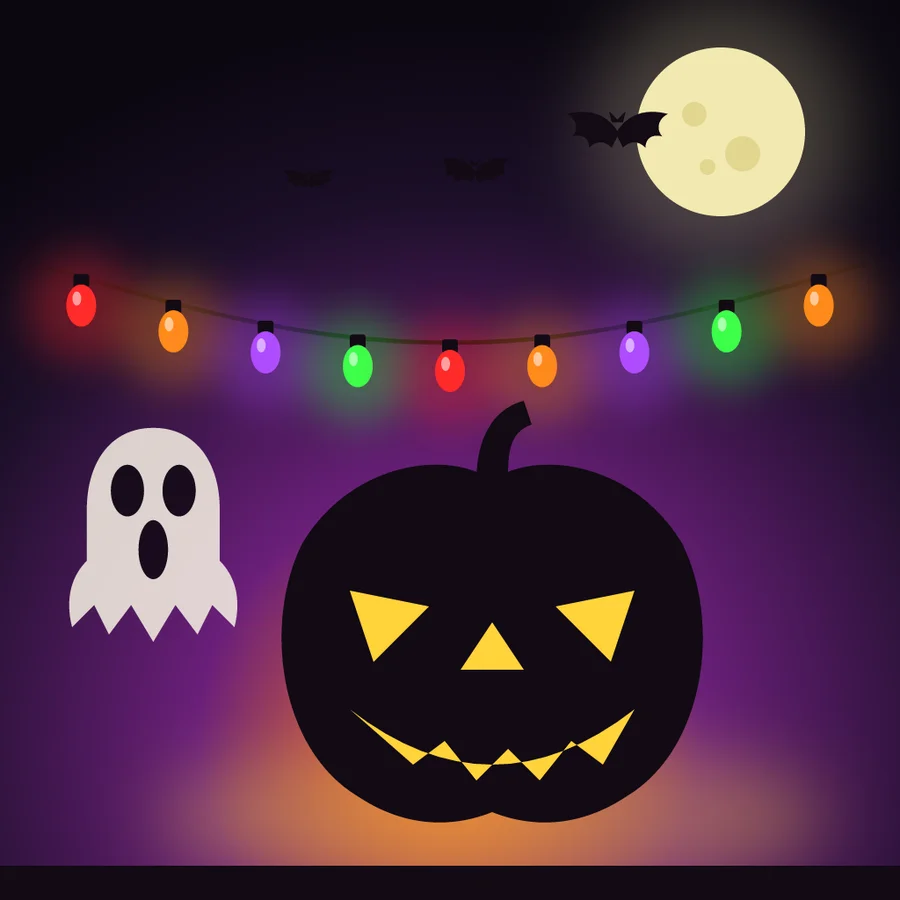
Sound and light, landing together
Porchgeist listens to each sound before it plays it, finds its hits, and builds the light show around them. The lights are streamed to the Hue Bridge many times a second, the same way Hue's own sync does, so the flashes land on the sound, even through a Bluetooth speaker.
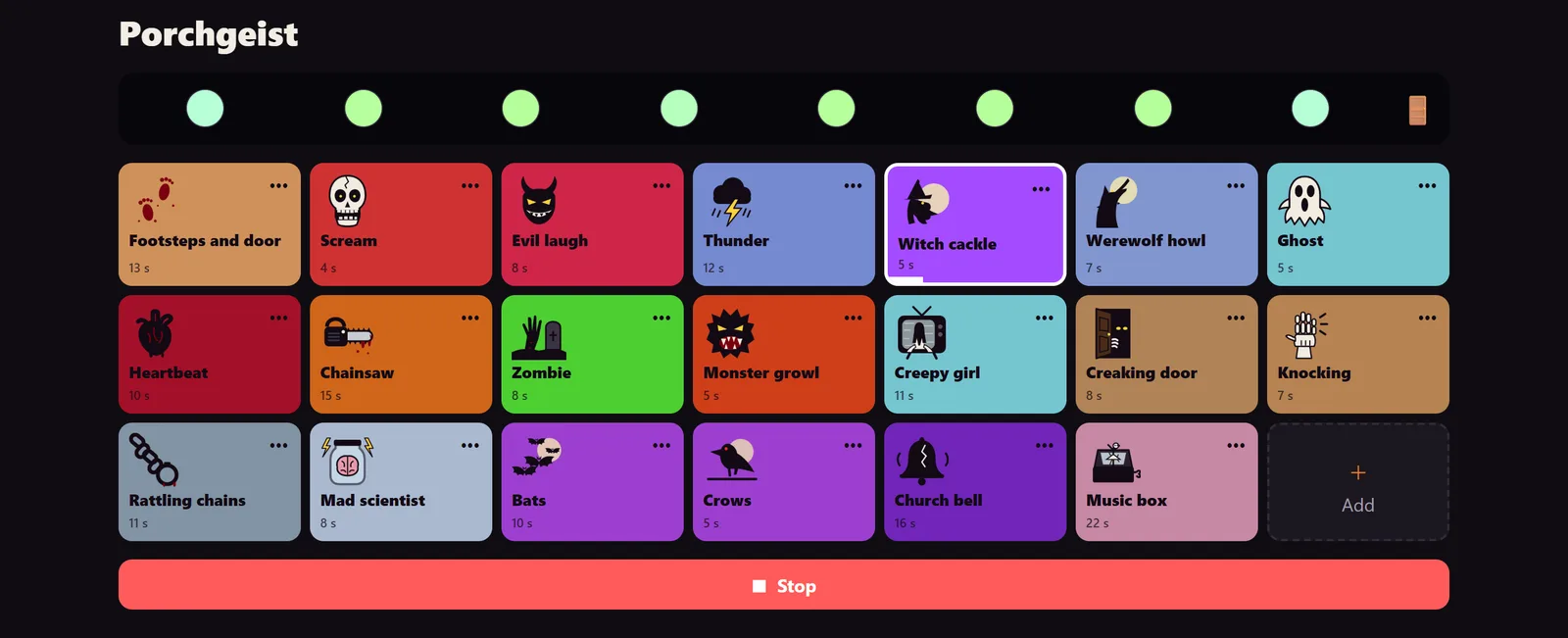
Twenty scares, each with its own show
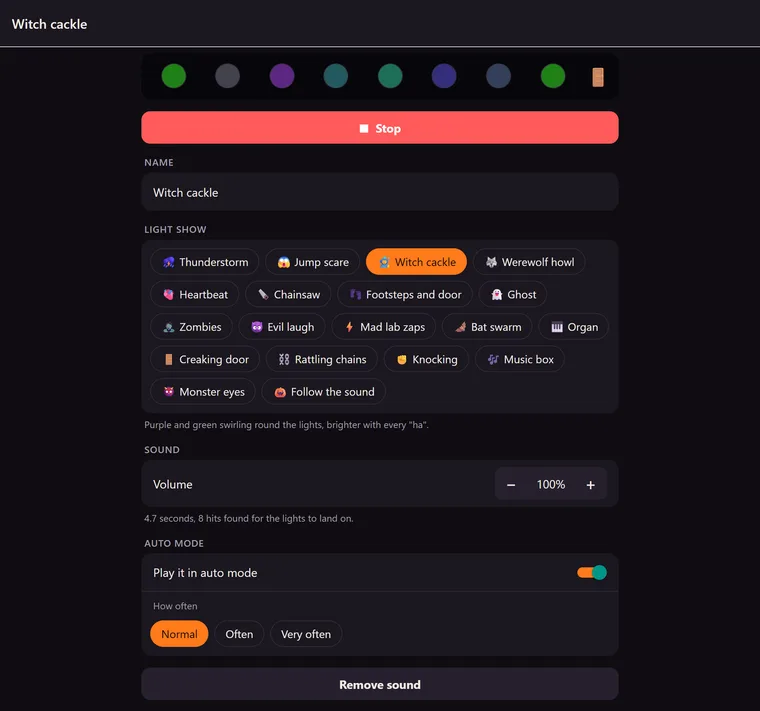
A chainsaw that flashes red and white when it revs, a werewolf howling under pale moonlight that leaves two amber eyes in the dark, a monster whose red eyes flare with its growl, knocking that thumps only the light by the door, and more. Add your own sounds and pick a show for each.









Let the porch haunt itself
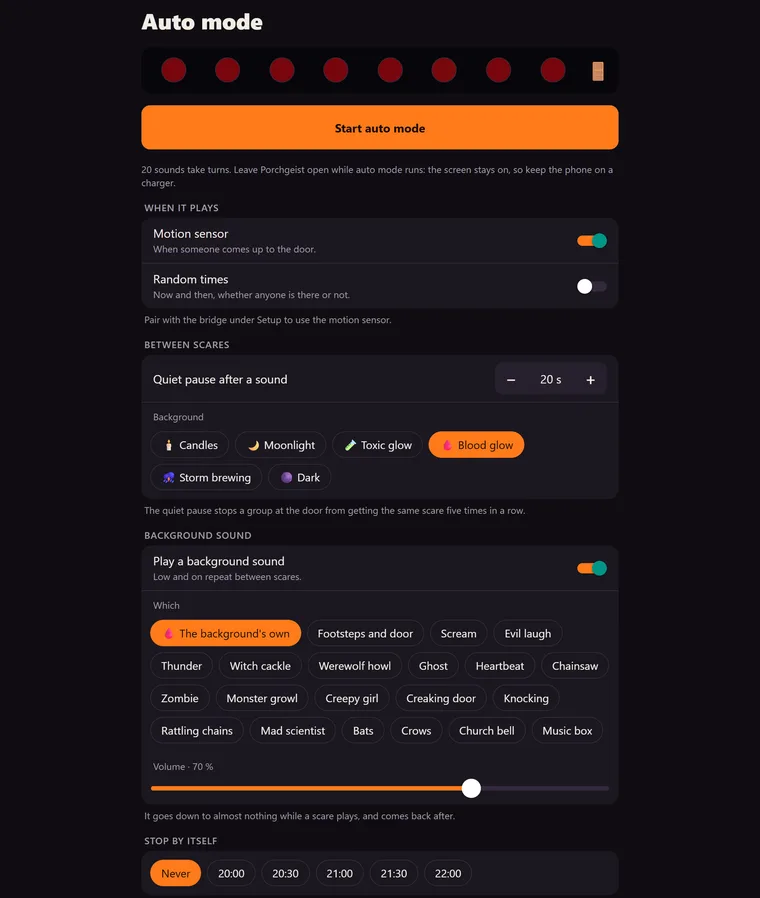
Auto mode plays the scares by itself, when a Hue motion sensor sees someone or at random times, with a quiet pause so the same group doesn't get the same scare five times in a row.
Backgrounds
Between scares the porch keeps going: candlelight and a crackling fire, moonlight and crickets, a blood-red glow with a slow heartbeat, or a storm brewing, its lightning just before each roll of thunder.
Several bridges, one porch
Lights on more than one Hue Bridge act as one porch. Put them in order along the path, or let the camera find them while they blink.
Safe to flash
No light flashes more than three times a second, whatever a show does: the limit for photosensitive epilepsy, with lots of children at the door.
Free to try
Porchgeist
Free
- Thunder, Footsteps and door, and Scream, each with its light show
- One Hue Bridge
- Play the scares by hand
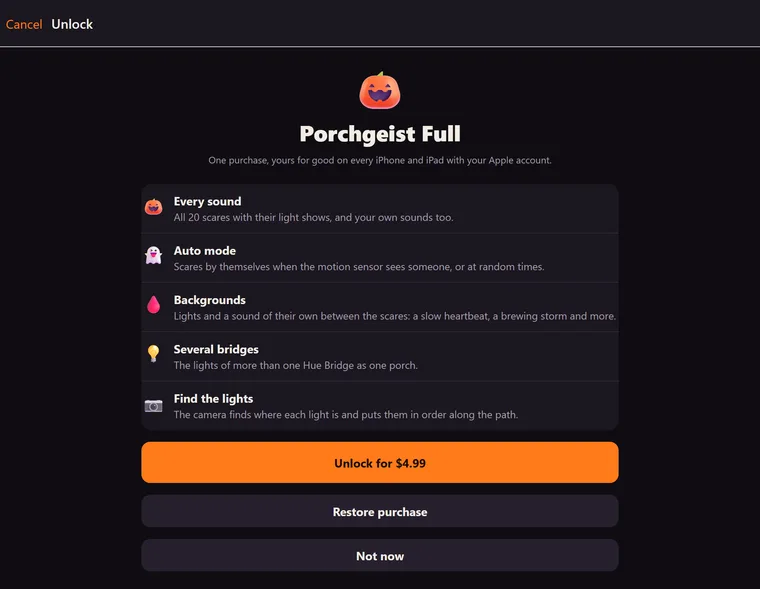
Porchgeist Full
One purchase
- All 20 scares, and your own sounds
- Auto mode with the motion sensor or random times
- Backgrounds with their own sound
- Several Hue Bridges as one porch
- Finding the lights with the camera
What you need
- An iPhone or iPad.
- A Philips Hue Bridge (the square one) on the same Wi-Fi.
- Colour Hue lights by the door, in an entertainment area made in the Hue app (up to 10 lights per bridge).
- For auto mode by motion: a Hue motion sensor (optional).
- A speaker on the porch, such as a Bluetooth speaker (optional; the phone's own speaker works too).
- No Hue lights yet? The sounds and their light shows play on the porch preview on screen.